
A business may advertise on Facebook, receive product questions on Instagram and close the order through WhatsApp.
From the customer's point of view, this is one relationship with one business.
From the business's point of view, however, the conversation may be split across several apps and employees.
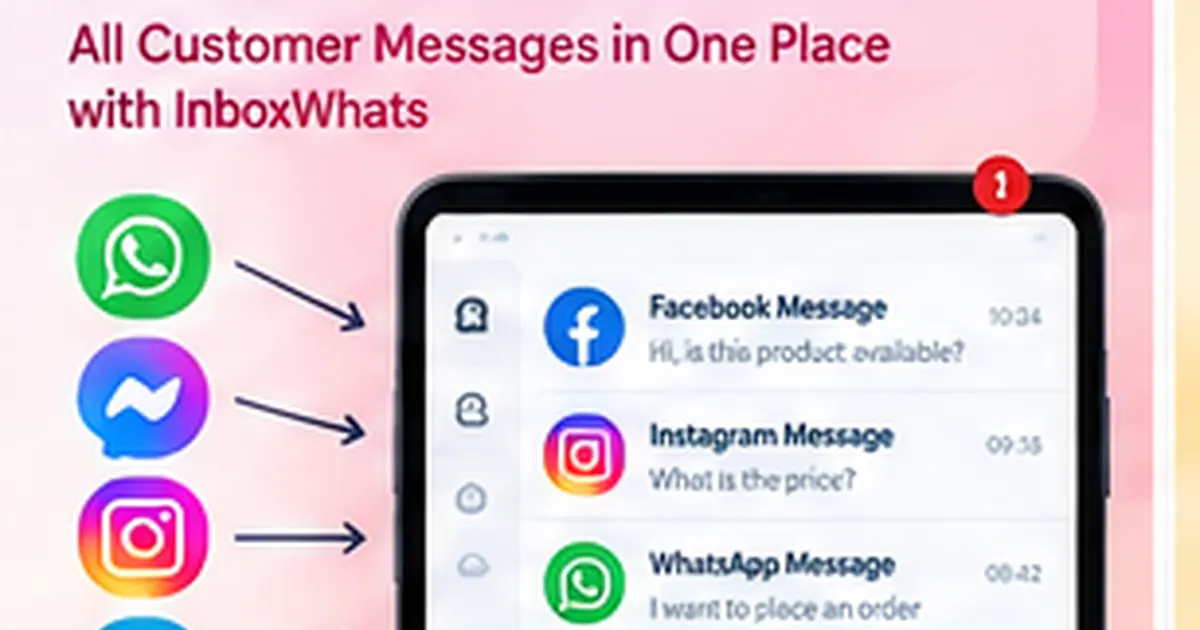
A unified inbox solves this problem by bringing supported customer channels into one workspace.
What Is a Unified Omnichannel Inbox?
A unified inbox is a shared workspace where a business can manage conversations from multiple communication channels.
Instead of employees opening separate apps throughout the day, they can work from one operational inbox.
InboxWhats publicly lists support for:
- WhatsApp API
- WhatsApp QR
- Messenger
- Telegram
It combines these channels with agent tools, labels, notes, filters and automation.
Why Separate Inboxes Become a Problem
Imagine an e-commerce company running Facebook and Instagram ads.
In one day it receives:
- product questions on Messenger
- comments that turn into Instagram DMs
- WhatsApp inquiries from the website
- repeat customers using WhatsApp
- support requests from existing buyers
When these conversations are handled separately, common problems appear:
- duplicate replies
- missed messages
- slow response
- no clear owner
- lost follow-ups
- poor visibility for managers
- customer information spread across several places
One Customer, One Operational View
A centralized inbox helps the team treat customer communication as one business process.
Agents can identify the conversation, add notes, apply labels and assign responsibility.
For example:
New inquiry → Sales agent → Qualified lead → Follow-up → Converted
or:
Support request → Support agent → Investigation → Resolution
The exact workflow can be designed around the business.
Manage Facebook Messenger More Systematically
Facebook Messenger remains an important source of inquiries for Bangladeshi businesses, especially those running Facebook ads.
A unified inbox lets the business manage Messenger conversations alongside other supported channels instead of keeping sales data isolated inside the Facebook page inbox.
This can make lead handling more consistent.
Manage Instagram Messages with Your Team
Instagram is increasingly used for product discovery, visual brands and direct-message inquiries.
When Instagram messages are part of the same team workflow as WhatsApp and Messenger, businesses can apply the same rules for:
- assignment
- lead capture
- escalation
- notes
- follow-up
- automation
WhatsApp as Part of the Same Customer Journey
Many customers prefer to move to WhatsApp when they are ready to ask detailed questions or place an order.
A customer might:
- See a Facebook ad
- Ask a question on Messenger
- Visit the website
- Open WhatsApp
- Confirm an order
The business should design its workflow around the entire journey rather than each platform separately.
AI Across Customer Conversations
InboxWhats includes AI-assisted replies and AI-supported flow building.
AI can help with common questions, but businesses should decide which parts of the conversation are safe to automate.
For example:
- greeting
- basic product information
- office hours
- common delivery questions
- lead questions
Complex complaints, negotiations and unusual requests should be easy to transfer to a human.
Route Conversations to the Right Agent
Not every agent should handle every conversation.
Businesses can create routing rules based on:
- channel
- customer type
- product
- issue type
- department
- language
- agent availability
This helps reduce internal confusion as message volume grows.
Add Labels and Notes
Simple metadata can make customer communication much easier to manage.
Useful labels may include:
- New lead
- Interested
- Hot lead
- Order pending
- Payment pending
- Support
- VIP
- Follow up
- Converted
Internal notes can give the next agent context without asking the customer to repeat everything.
Use Automation Without Losing Human Support
Automation should make communication faster, not make customers feel trapped.
A practical workflow might be:
Customer message → Automated greeting → Intent detection → FAQ or data collection → Agent handoff if needed
This keeps repetitive tasks automated while preserving human support for important cases.
Unified Inbox for E-commerce
An omnichannel inbox is particularly useful for e-commerce businesses because the same product may be promoted on multiple social platforms.
Teams can handle:
- stock questions
- price questions
- delivery inquiries
- order details
- support
- follow-up
from one workspace.
Unified Inbox for Service Businesses
Service companies may receive leads from Facebook ads, Instagram, WhatsApp links and website campaigns.
A centralized system helps capture those inquiries and route them to sales with more context.
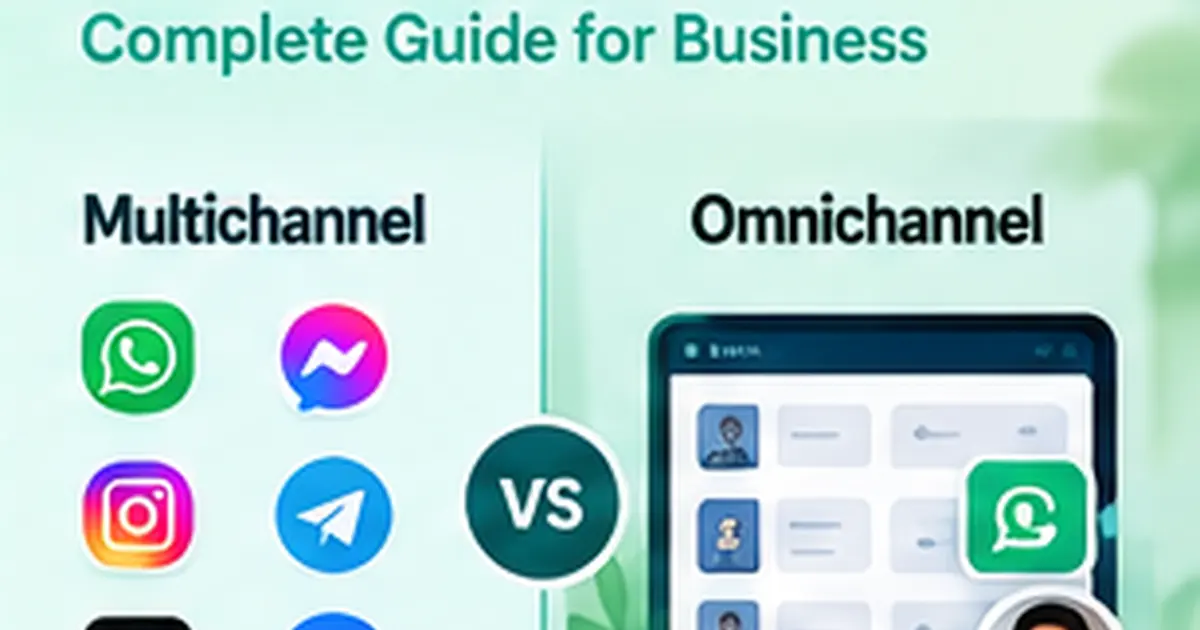
Omnichannel vs Multichannel
A multichannel business uses several channels.
An omnichannel business tries to connect those channels into one customer experience and one operating workflow.
Using Facebook, Instagram and WhatsApp separately is multichannel.
Managing those channels through one coordinated system moves the business closer to omnichannel communication.
Why InboxWhats Fits This Use Case
InboxWhats combines supported messaging channels with:
- team inbox
- agent assignment
- labels and notes
- flow builder
- AI assistance
- campaigns
- forms
- APIs
- webhooks
This makes it possible to build customer communication around the business process rather than around individual messaging apps.
Frequently Asked Questions
Can I manage WhatsApp and Messenger from one inbox?
InboxWhats publicly lists WhatsApp and Messenger as supported channels within its multi-channel inbox.
Does InboxWhats support Instagram?
Yes. Instagram is listed as a supported communication channel.
Does InboxWhats support Telegram?
Yes. Telegram is also listed among the supported inbox channels.
Can different agents handle different channels?
Team workflows can be organized with agent assignments and routing based on the business setup.
Why is a unified inbox useful?
It can reduce missed messages, duplicate work and scattered customer information.